
Put Reloop on your home screen
A few taps. About twenty seconds. Then it opens like any other app.
1
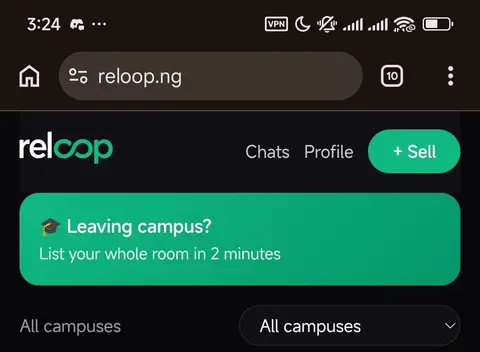
Tap the three dots
Top right of Chrome, on reloop.ng.
2
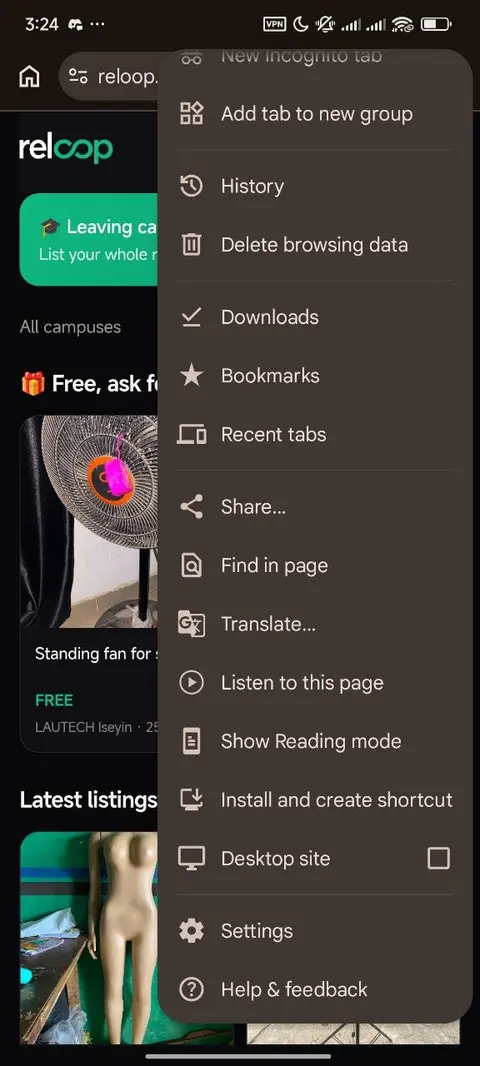
Tap "Install and create shortcut"
Scroll down the menu a little.
3
Tap Install when Chrome asks
One small box pops up. Say yes.
4
Find Reloop on your home screen
The green icon. Tap it to open.
You're ready. Open Reloop from your home screen and start buying or selling.
Open ReloopTurn what you own, into what you need.